A Version Setting Is Not Proof: Verify the Fix in Production
A practical evidence trail from configured version to deployed revision and running process, with Node and PHP examples.
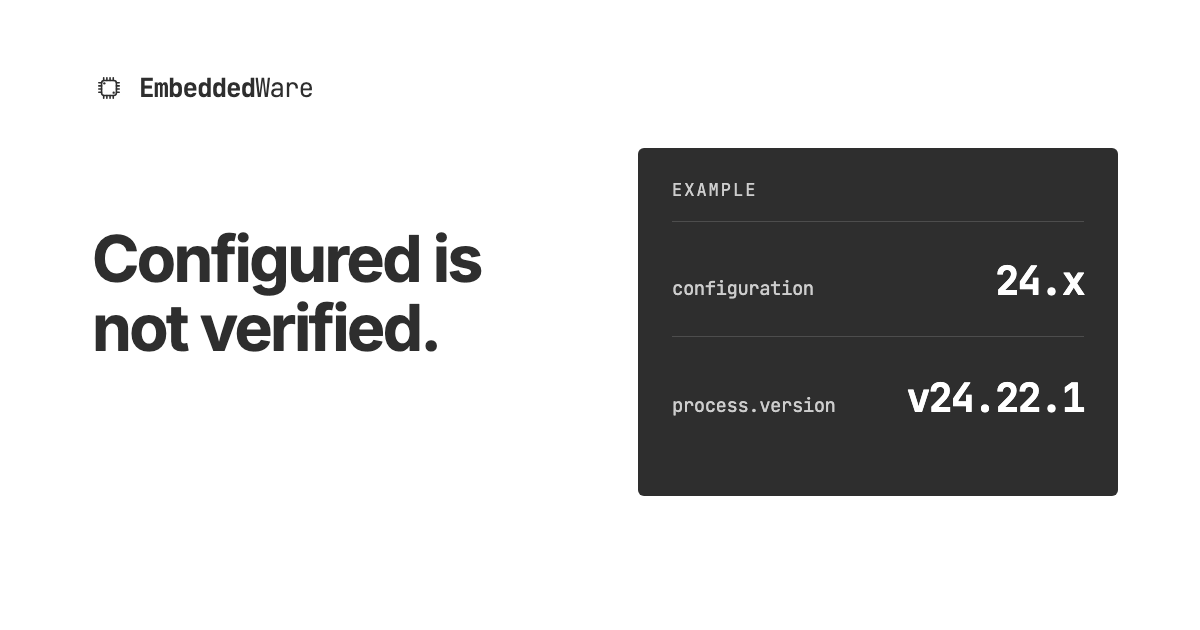
Short answer: A runtime setting describes what you intend to run. To verify a security fix in production, connect the advisory's fixed version to the deployed revision and evidence from the process actually handling requests. Record what you observed, where and when, and what remains outside that observation.
Three records, three different claims
- Desired configuration. A project setting or
package.jsonselects a runtime line. It does not identify the patch serving traffic. - Deployed artifact. Build logs, an image digest and a deployment ID tell you what was built and which revision was released. A successful build does not establish the version of every process that later runs it.
- Observed runtime. Provider runtime evidence or a version recorded inside a serving process tells you what ran for that observation. Match it to the deployment, environment, function and region before calling the fix verified.
Node 24.x is an example, not a patch result
The Node.js security release of 21 October 2026 includes fixes in 24.22.1, 22.23.4 and 26.12.1. For that release, a 24.x value in package.json or Vercel project settings alone does not prove that a function ran 24.22.1 or later. Vercel's version documentation says these settings select major versions and Vercel manages patch updates.
A node -v line in a build log measures the build environment. A temporary, access-controlled process.version log inside an existing function measures the runtime for that invocation. Those observations can differ. On 21 October, Vercel said its patched managed runtimes were still rolling out. Its guidance says projects already on 22.x or 24.x need no major-version setting change. It does not say that a new deployment, or a 24.x setting, proves rollout completion. Its WAF rules reduce exposure but do not replace the patch. For a container you manage, rebuild on a patched base image and redeploy. For Vercel's managed runtime, check the provider rollout and the observed process; an application redeploy is a different event.
A small verification record
- Set the target. Read the vendor advisory and note the affected component, first fixed version or vendor package, and any configuration action. Identify the production functions or workers that use it.
- Read existing evidence first. Check deployment and build metadata, provider runtime information and existing logs. Record the deployment ID, environment, revision, region and observation time. If you control an image, record its digest and package provenance too.
- Observe the serving path. If the runtime patch is not visible in existing evidence, ask the provider for confirmation or briefly log only the version inside an existing, access-controlled function. Invoke an ordinary, non-sensitive flow under a controlled plan. Do not create a public diagnostic endpoint or log secrets, environment variables, hostnames or customer data. Remove temporary logging afterward.
- State the coverage. Compare observations with the advisory, check the relevant functions and traffic-serving revisions, and record any regions or instances still unobserved. One invocation samples one process; it cannot prove every instance in a rolling fleet is patched. Recheck when rollout or traffic routing changes.
Version strings have limits
The PHP team's October 2026 notices show why the target sometimes needs more than an upstream version number. Linux or LTS vendors may backport a fix into a package whose visible PHP version is older. Check the vendor's package advisory and installed build, then confirm PHP workers restarted onto that build. PHP's 23 October follow-up describes a rare change of session serializer at runtime. Affected applications should assess its temporary session.upload_progress.enabled=0 mitigation until the regular fix. A version check alone cannot settle that configuration question.
A confirmed fixed runtime supports a narrow claim about that observed process. It does not establish whether earlier compromise occurred, or that dependencies and other layers are safe. For the related WordPress owner checklist, see the FastSiteLab companion guide. For help defining and checking release evidence, contact Embeddedware.